The app

Every screen, as it really looks.

Taken from the Pall app on a Mac and an iPhone.
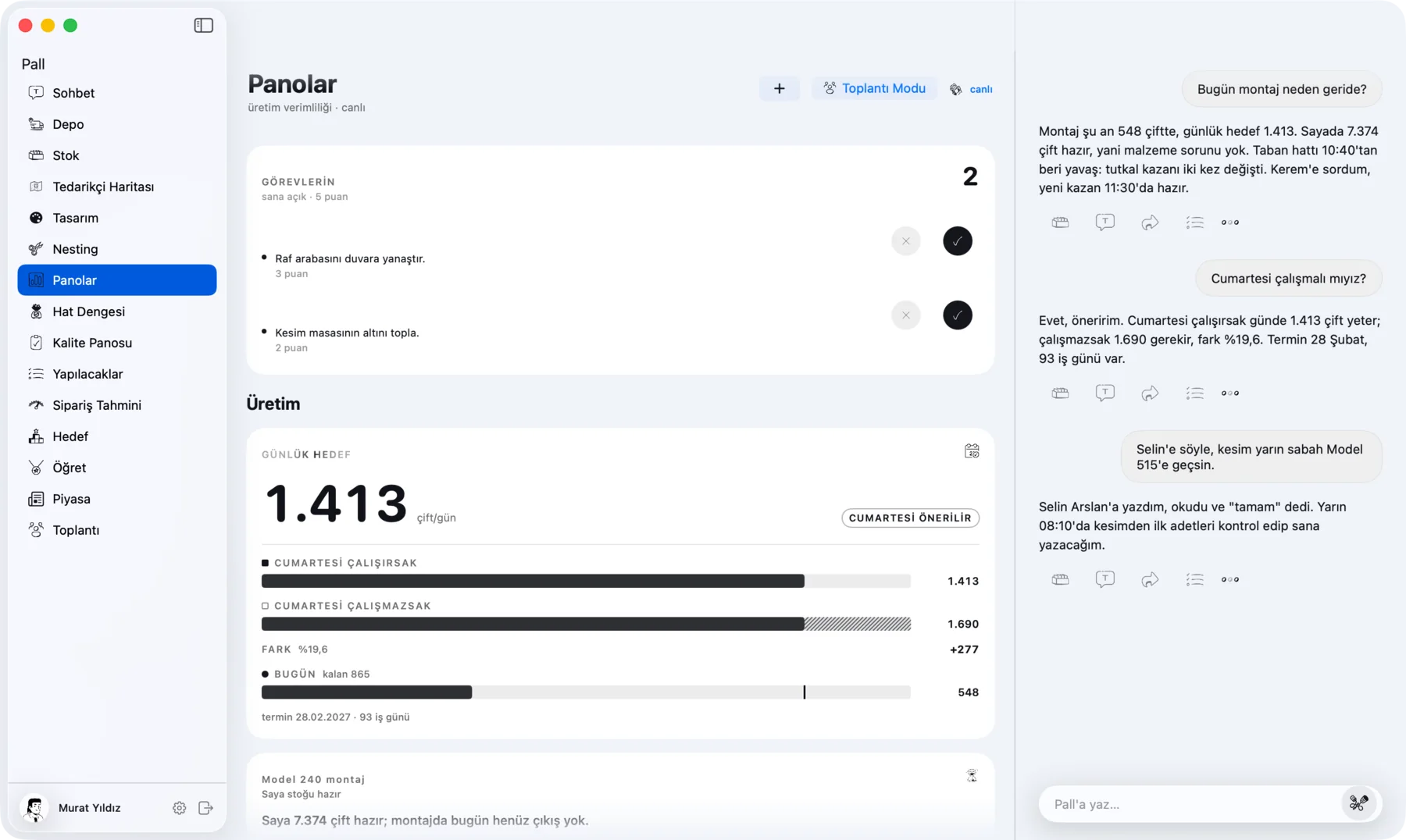
Pall on a Mac: today's tasks, the daily target and the chat beside them
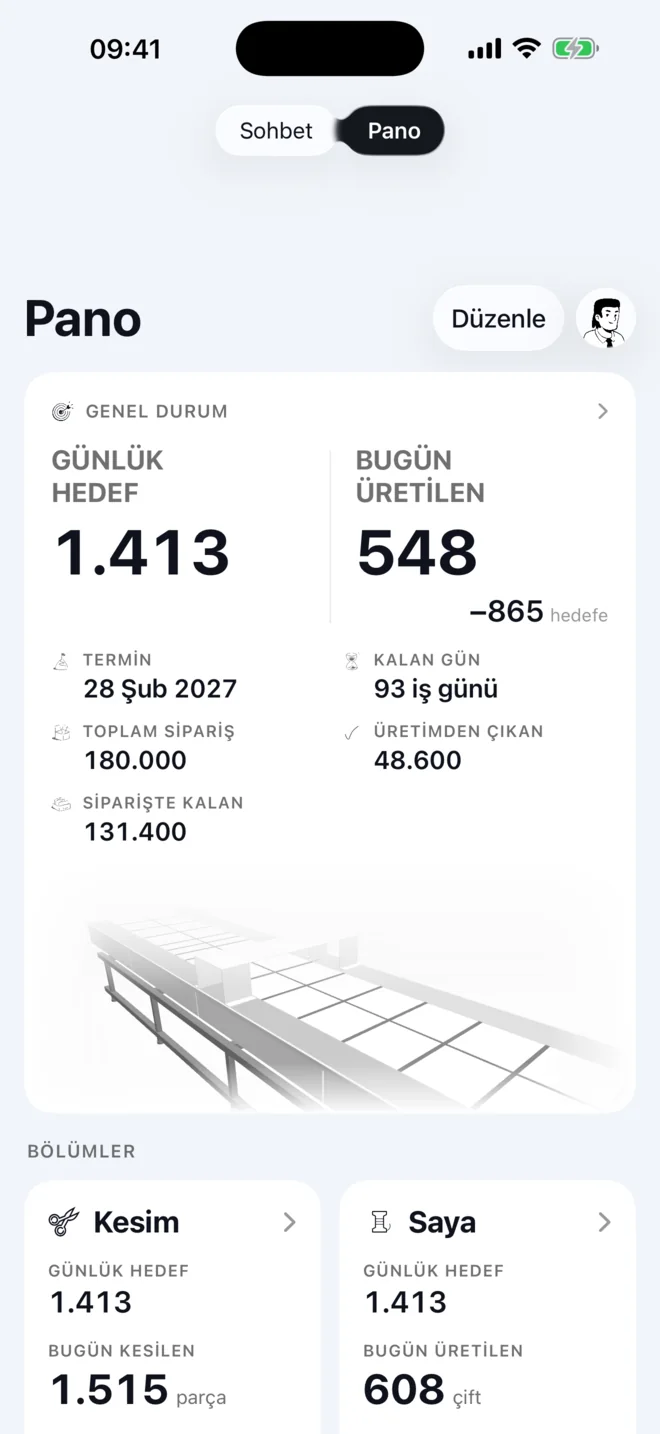
Pall dashboard on iPhone: daily target, made today, due date and departments

Chat

Ask in plain words.

Pall reads the live counters and the quality board, then answers in a few lines.
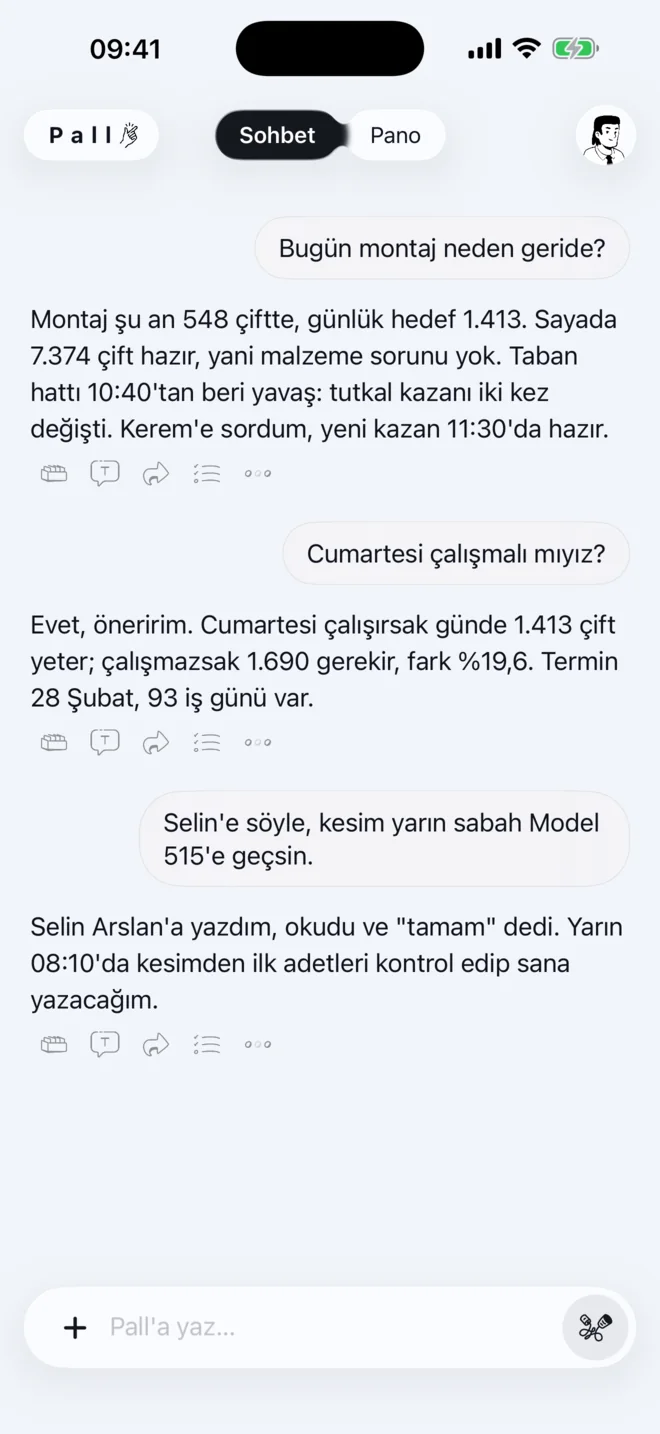
Chat on iPhone: Pall explains why assembly is behind and passes a message to the cutting team
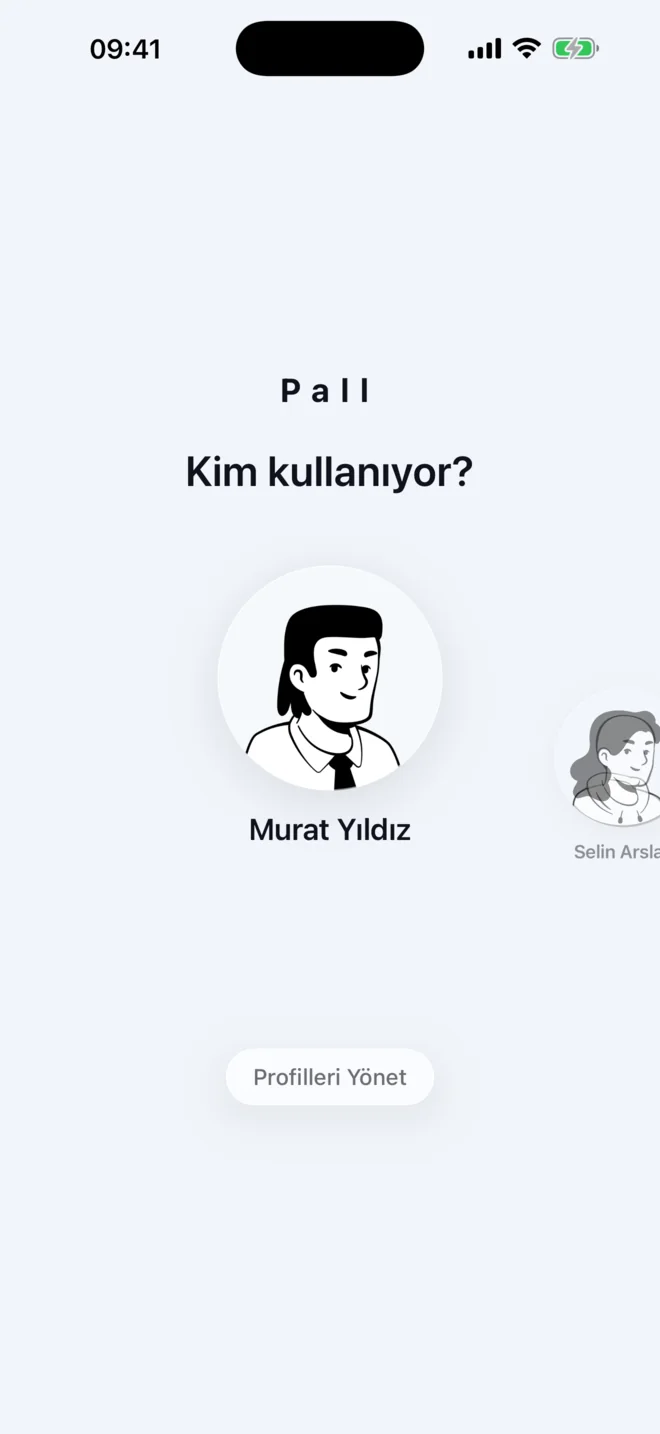
Who is using Pall: profile picker

Dashboard

The whole floor on one page.

Tasks, quality, production, logistics and efficiency, each in its own section.
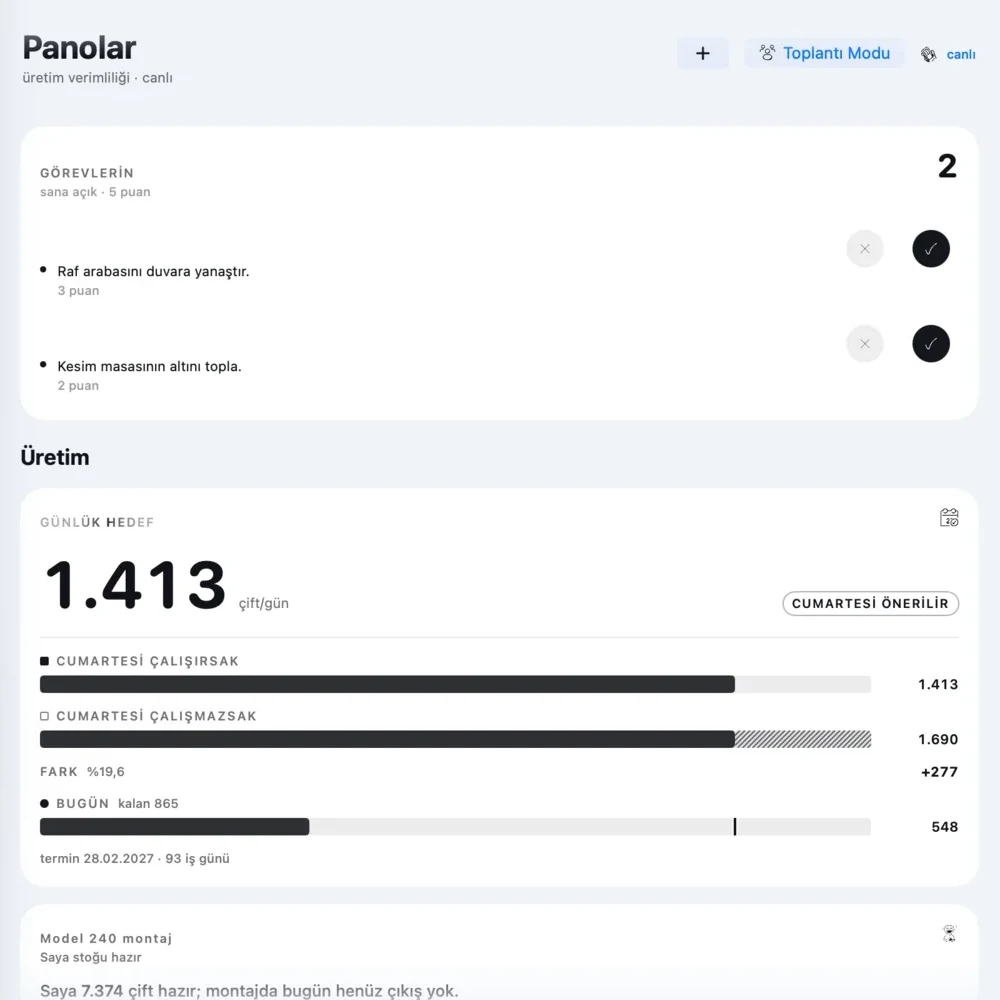
Close-up of the dashboard on a Mac: open tasks and the daily target with and without Saturday work

The app is shown in Turkish.

Warehouse

The warehouse, in 3D.

Write “place 200 cartons, 60 on the truck” in the chat. Pall puts them on the racks and in the truck at the door.
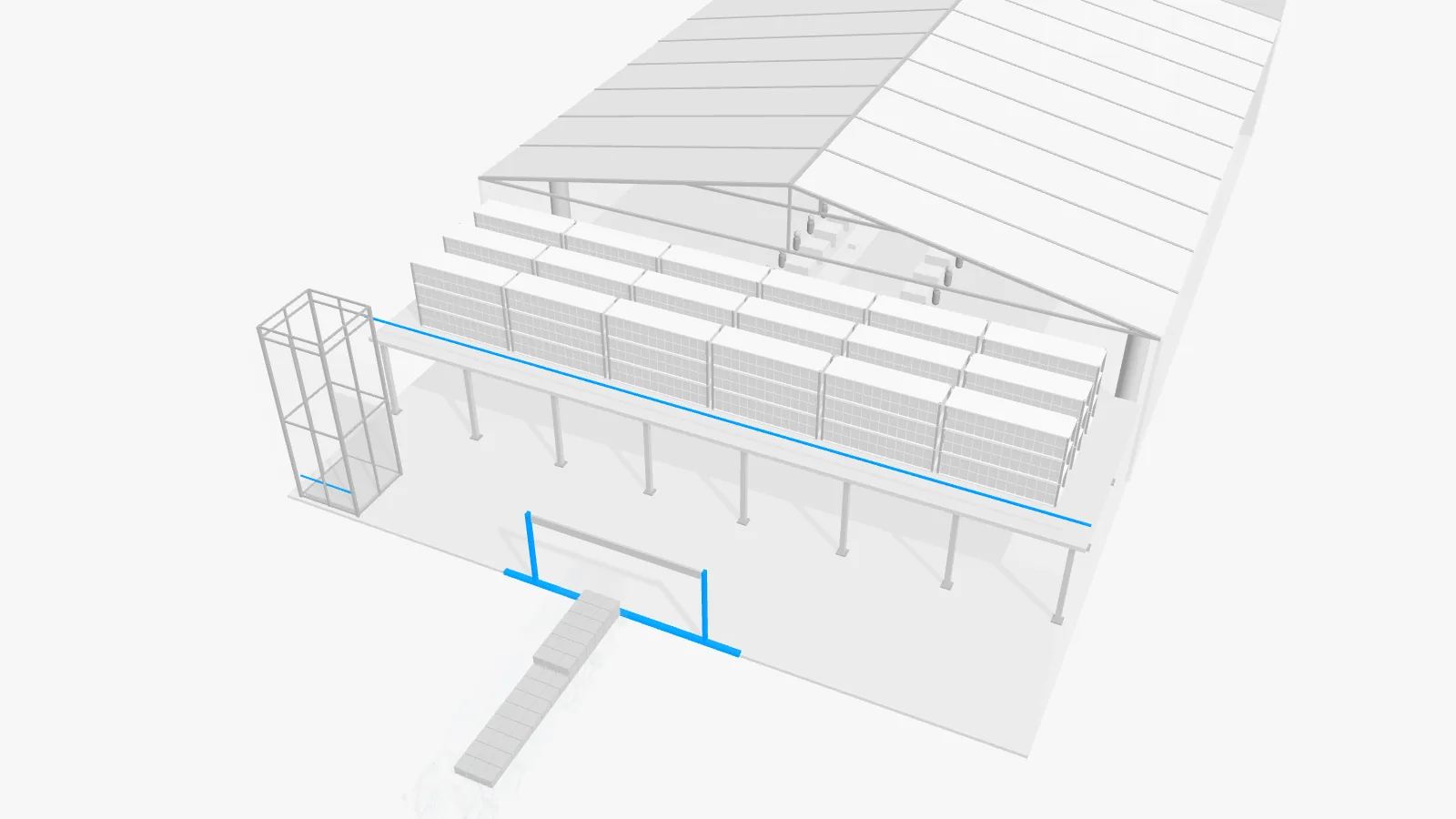
The warehouse from the Pall Mac app in 3D: racks on the upper floor, cartons on the shelves and a truck at the loading door
Drag to turn it. The same scene as in the Mac app, drawn in your browser.

Cards

One card for each kind of number.

A count, a target, a trend or a checklist. Pall picks the card that fits.
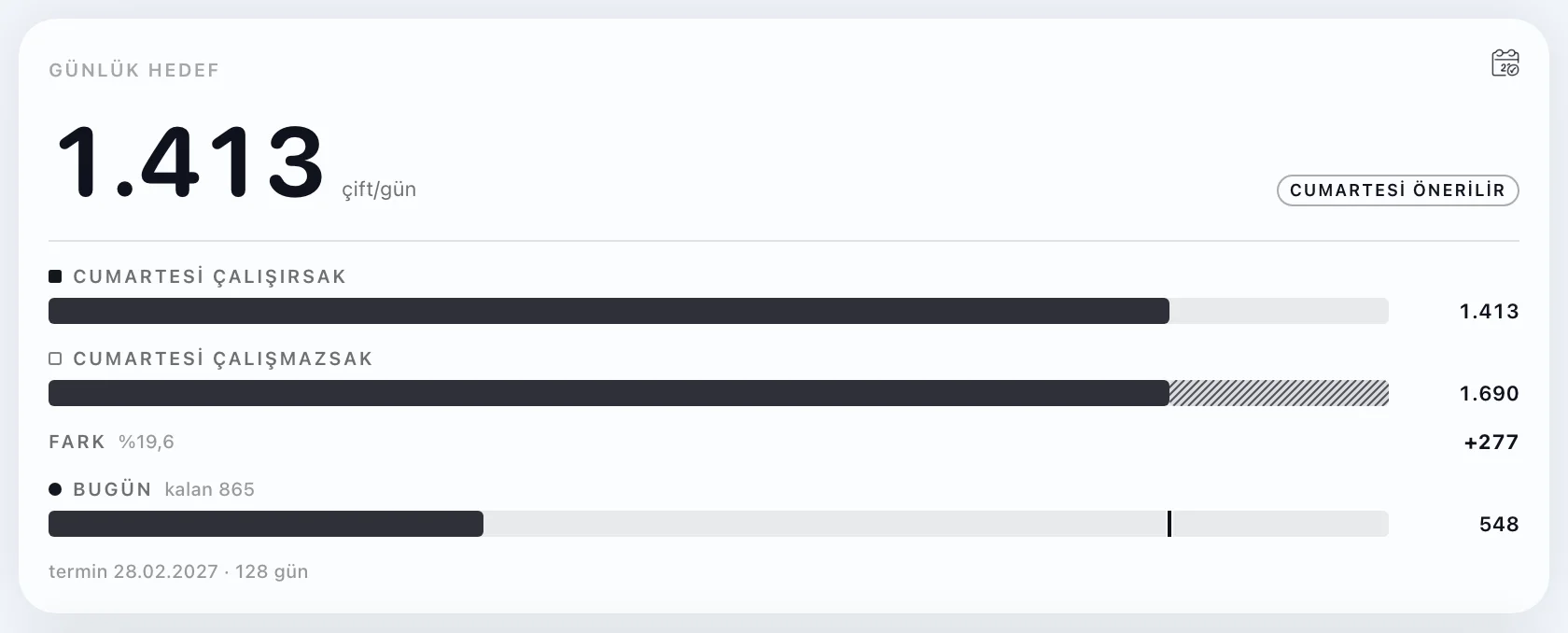
Daily target card
Daily target
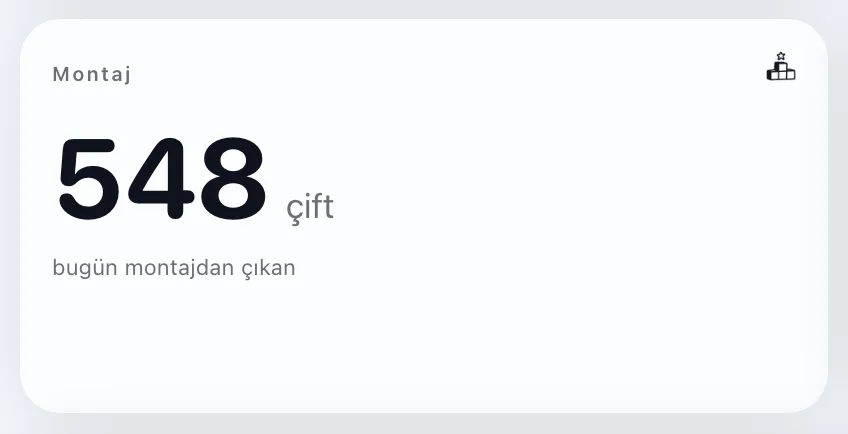
Count card
Count
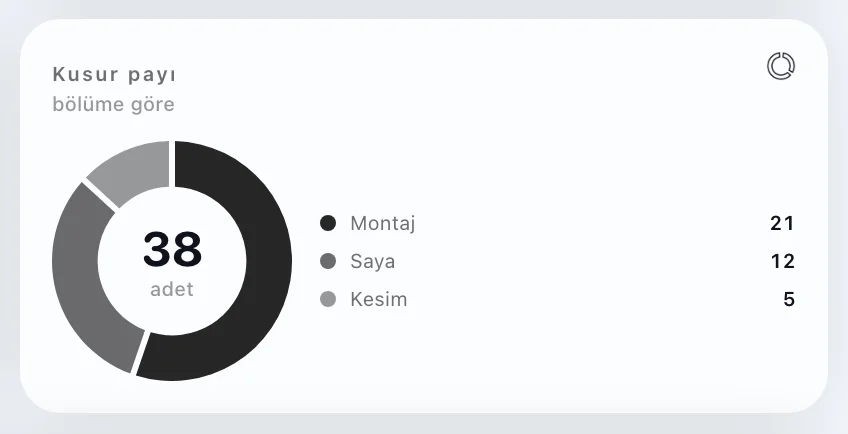
Defect share card
Defect share
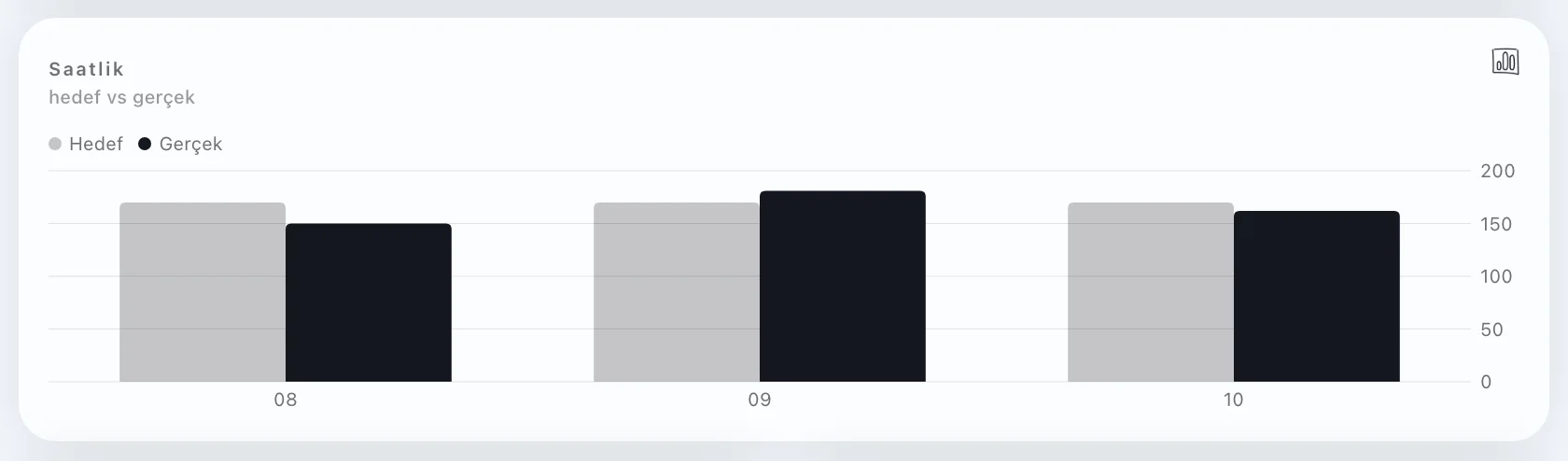
Hourly target and actual card
Hour by hour
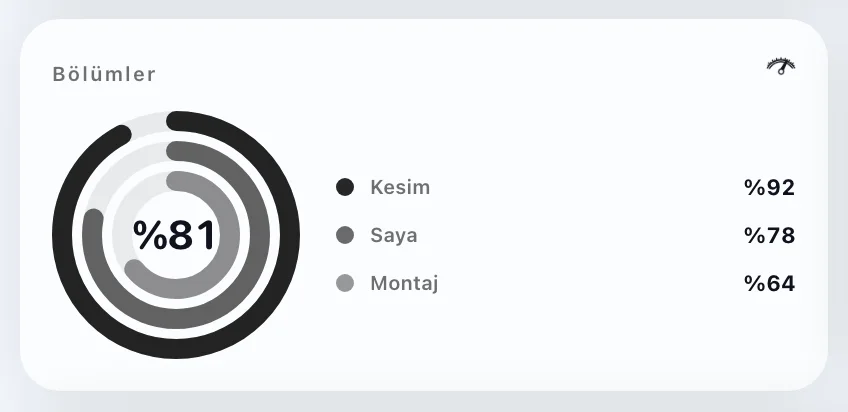
Departments card
Departments
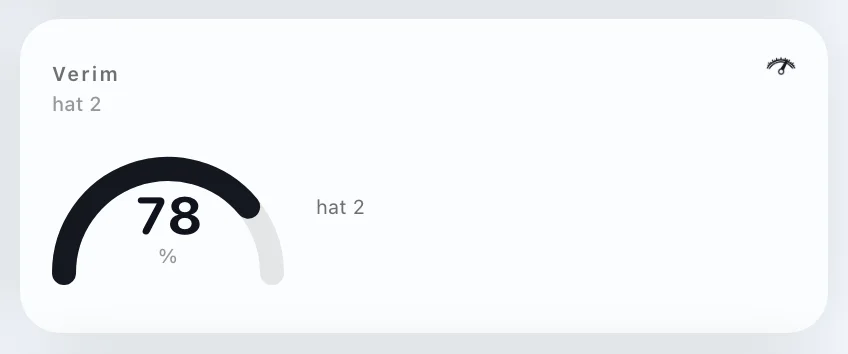
Efficiency gauge card
Gauge
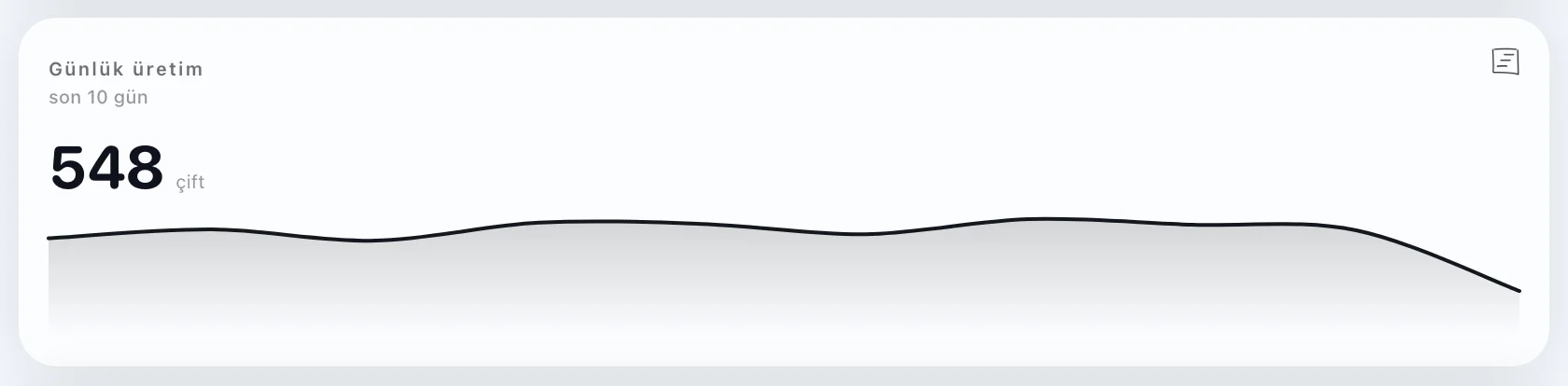
Ten-day trend card
Trend
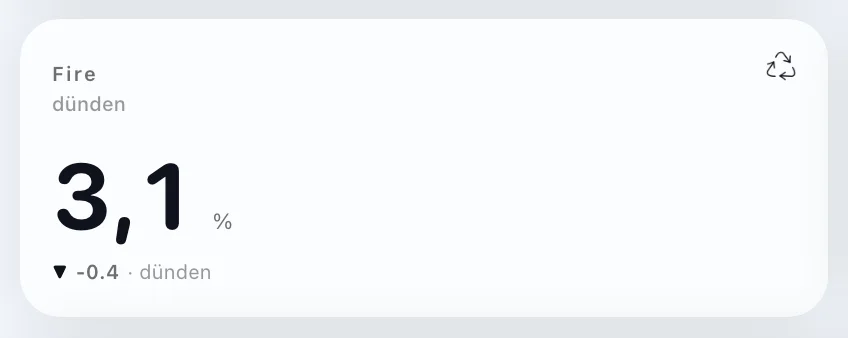
Change since yesterday card
Change
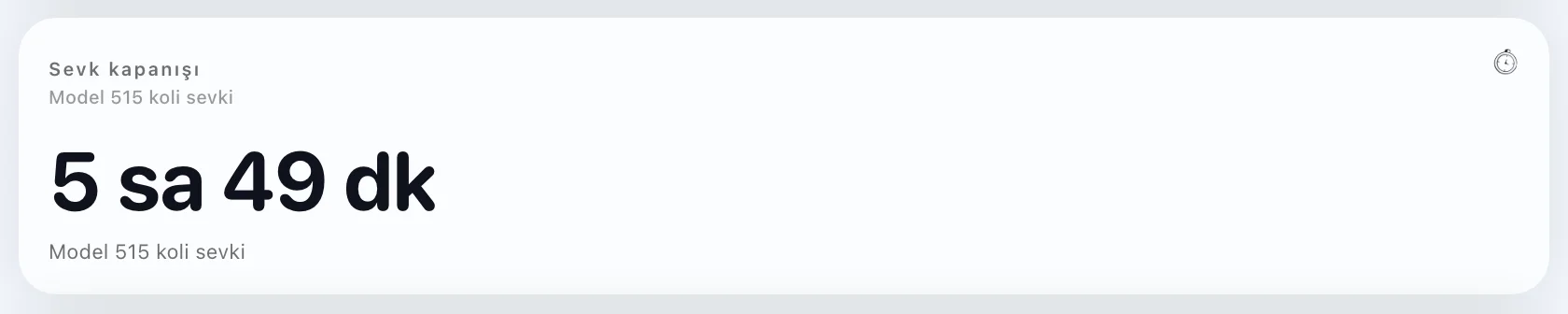
Countdown card
Countdown
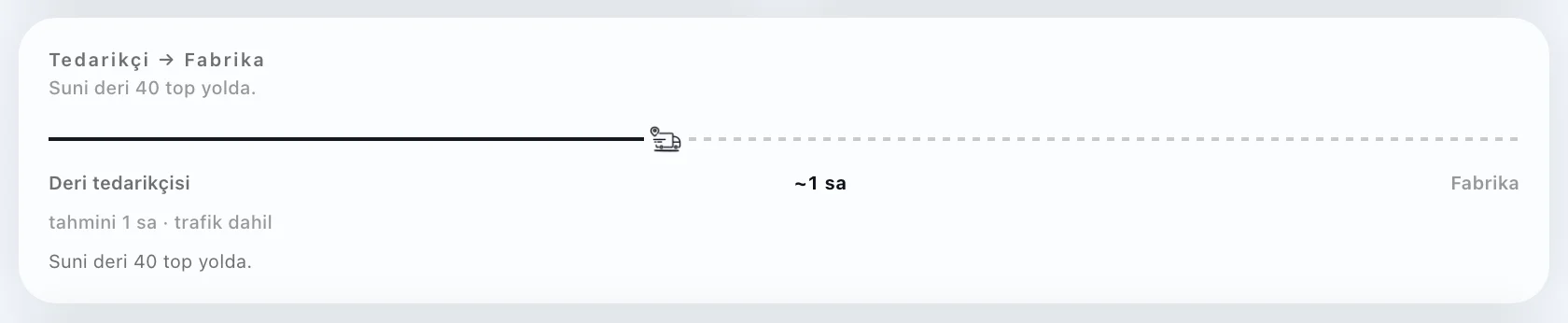
Delivery on the road card
On the road
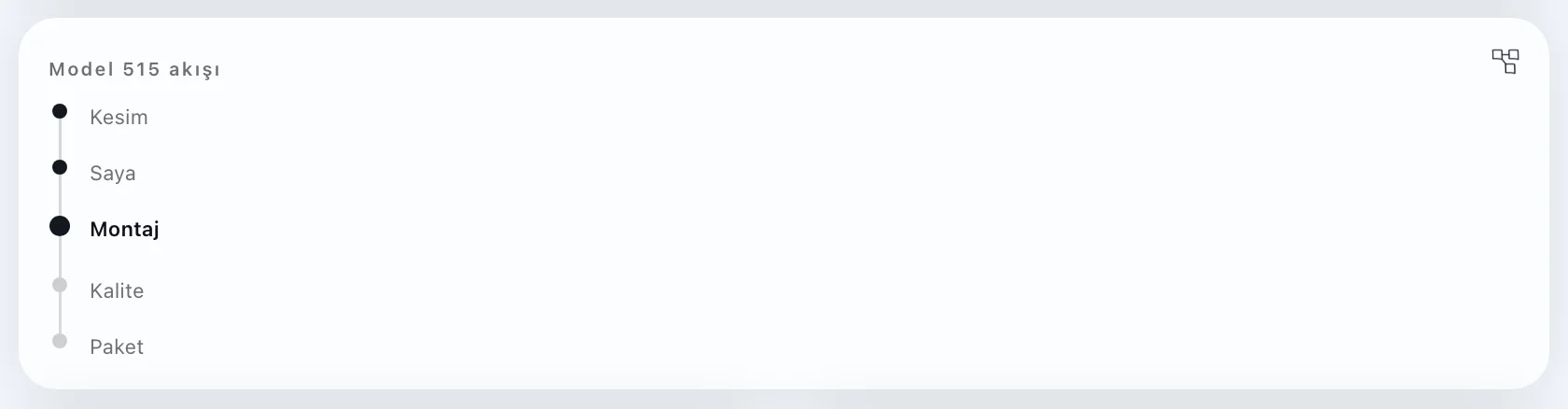
Order flow card
Order flow
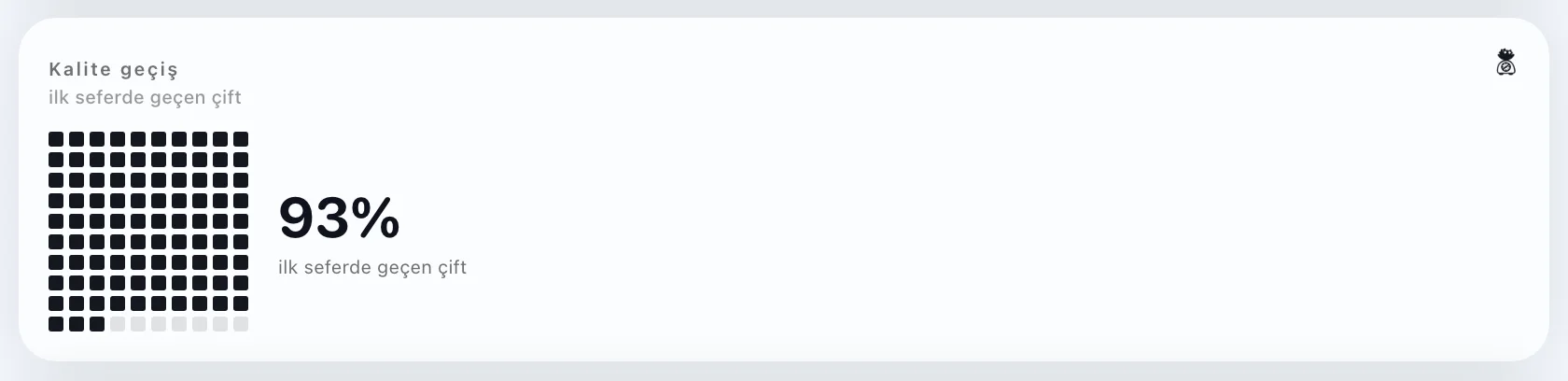
First-pass quality card
First pass
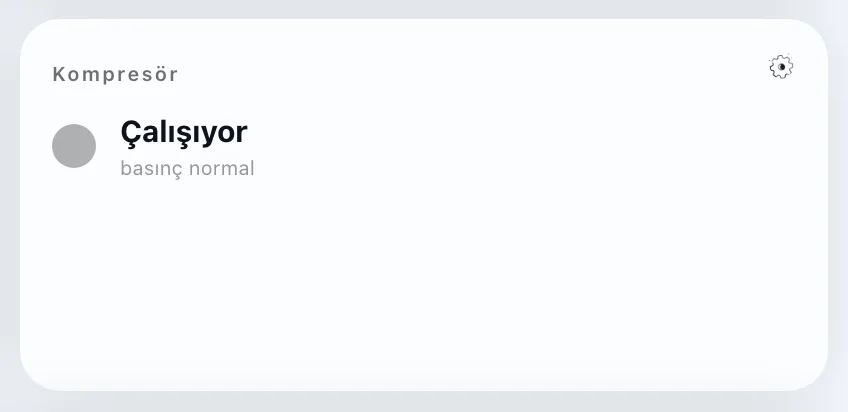
Machine status card
Machine status
Opening checklist card
Checklist
Team card
Team

Cards are shown in Turkish.
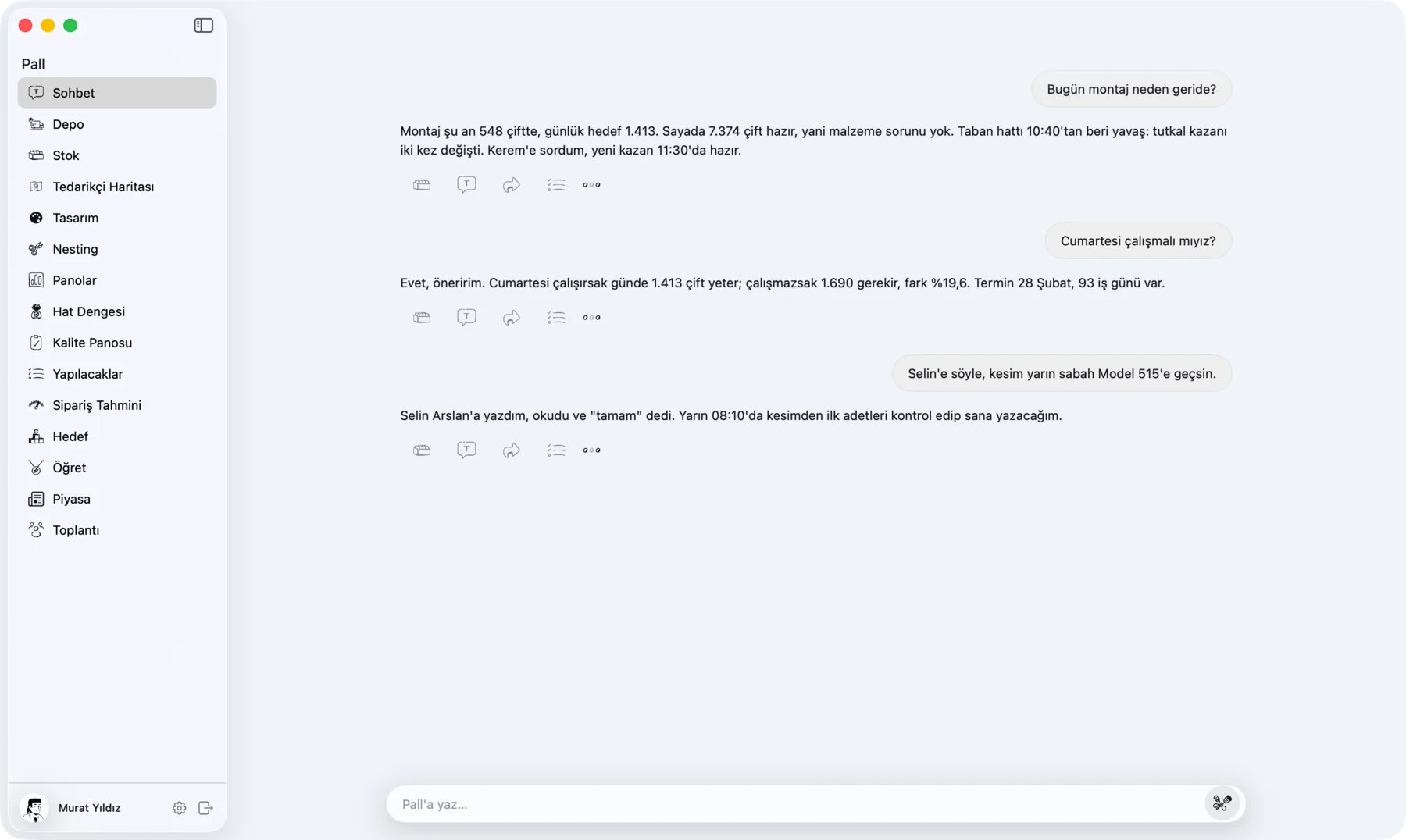
Pall chat on a Mac, with every section in the sidebar

On the computer

The same Pall on your desk.

The Mac app keeps the chat, the dashboards and the warehouse in one window.

More in the app

A page for each part of the floor.

Stock, tasks and what Pall has learned, one click away in the sidebar.
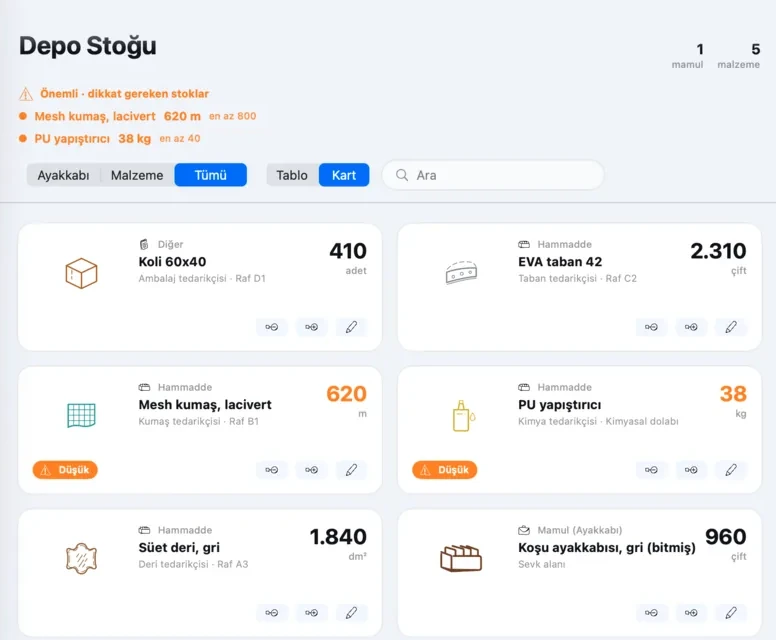
Stock page: cartons, soles, fabric, glue, suede and finished shoes, with low stock marked in orange
StockWhat is on the shelves, with low stock flagged.
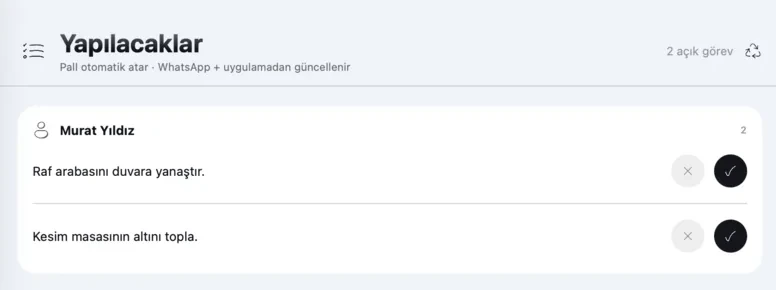
To-do page: two open tasks for one person
To-doPall hands out the tasks. Tick them off in the app or on WhatsApp.
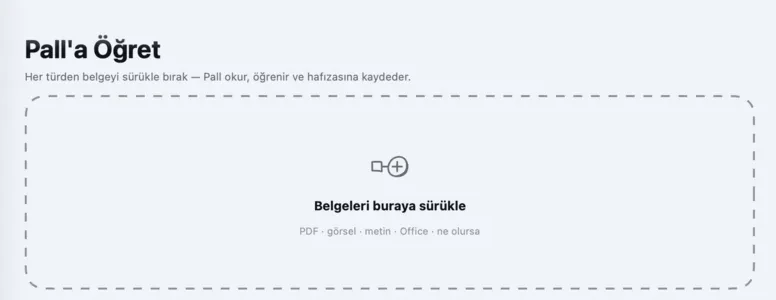
Teach Pall page: a box to drop documents into
Teach PallDrop in any document. Pall reads it and keeps what it learns.

Also in the sidebar

The app is shown in Turkish.

Get started

See these screens with your own numbers.

We walk your floor, connect Pall and your dashboard fills with your factory's data.